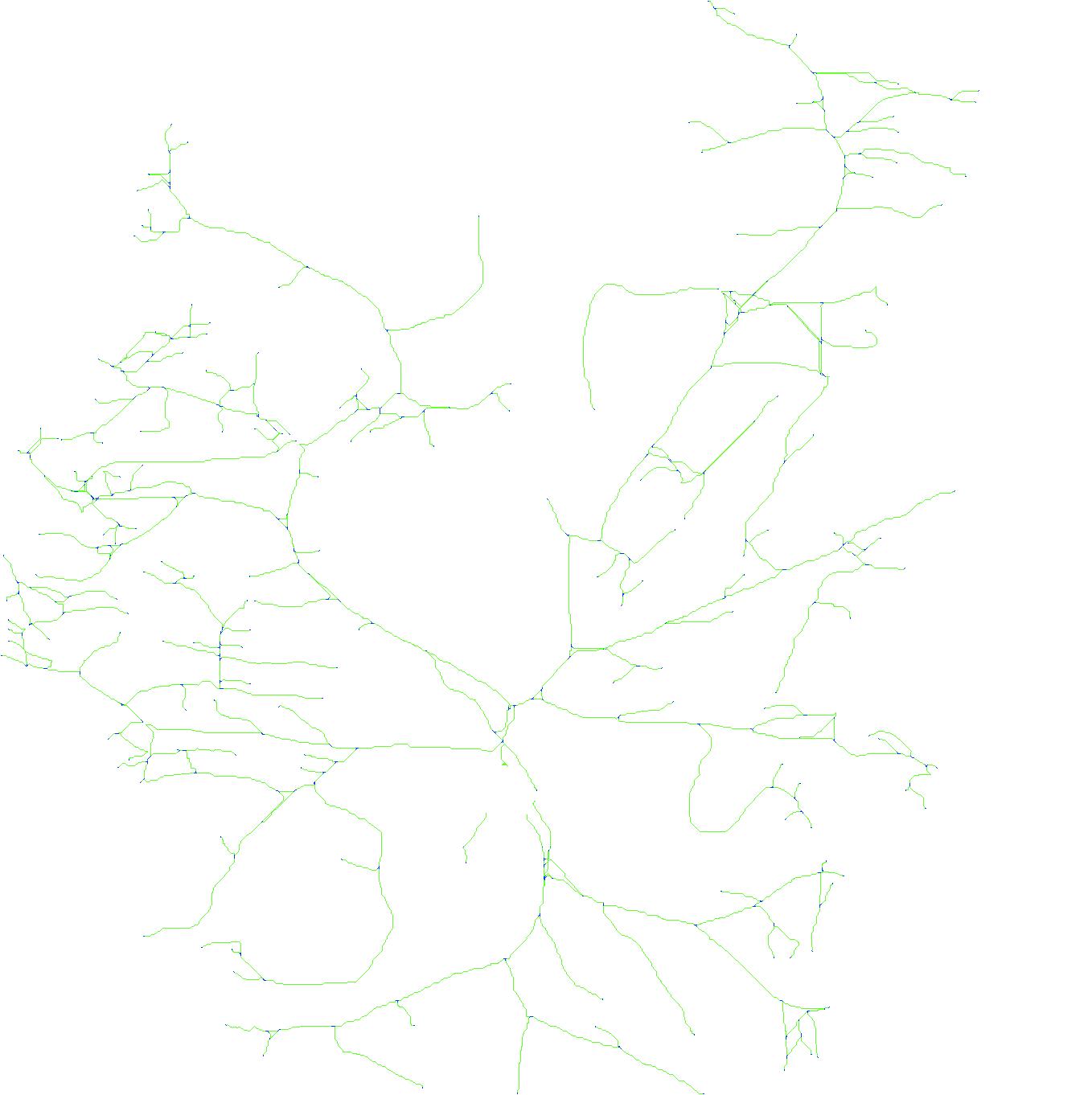
Upload an image of a sensory neuron and this will attempt to trace it and gather statistics on the result. You get back an NDF file you can open in NeuronJ to continue where the tracer left off, plus JPEGs that show what it found.
Images are traced in memory and thrown away as soon as the result is sent back. Nothing is stored on the server.
How to use it
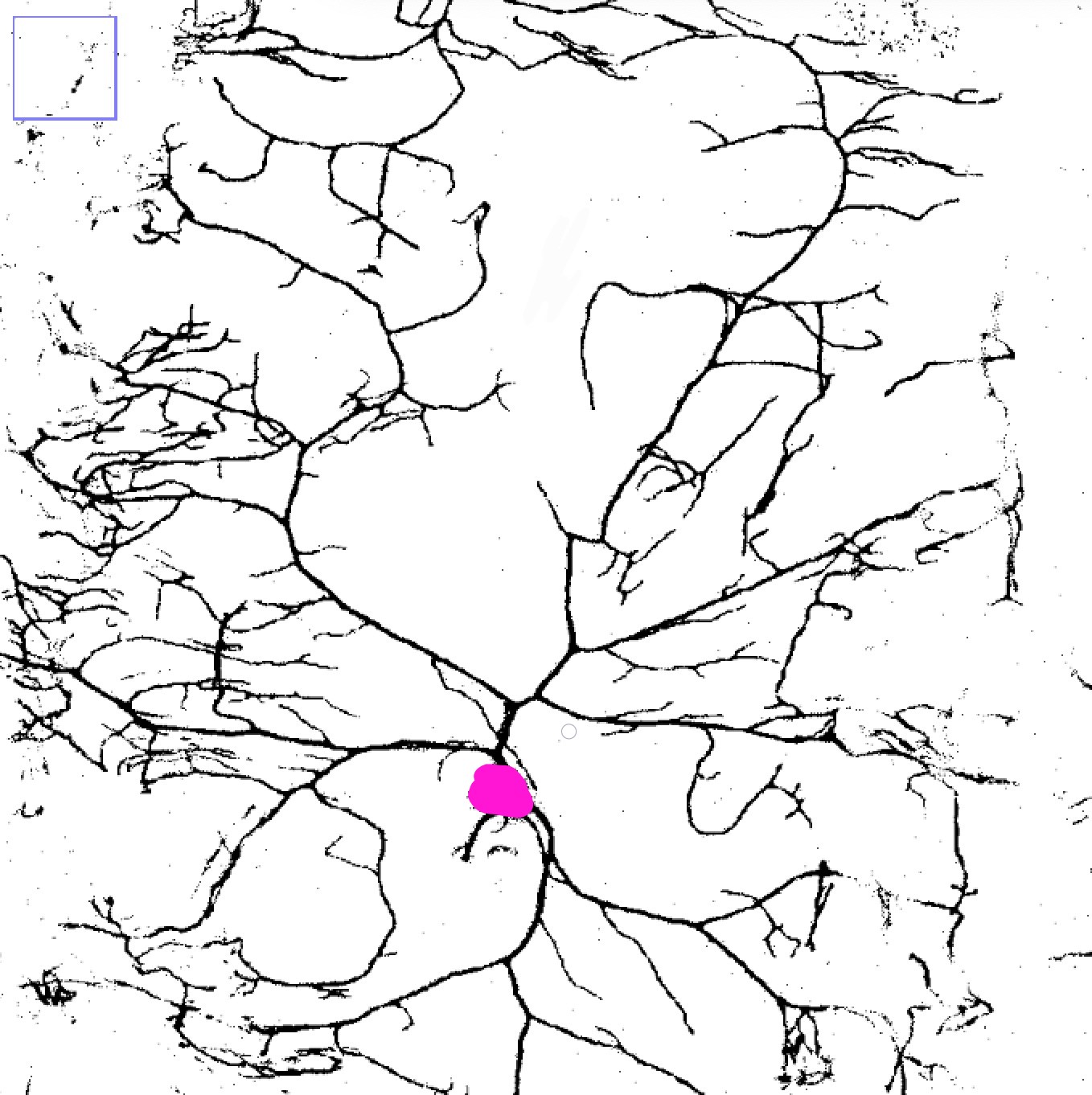
- For best results, fill in the cell body with a pink color. Otherwise the tracer will try to detect it automatically, but if it is not dark enough the results may vary.
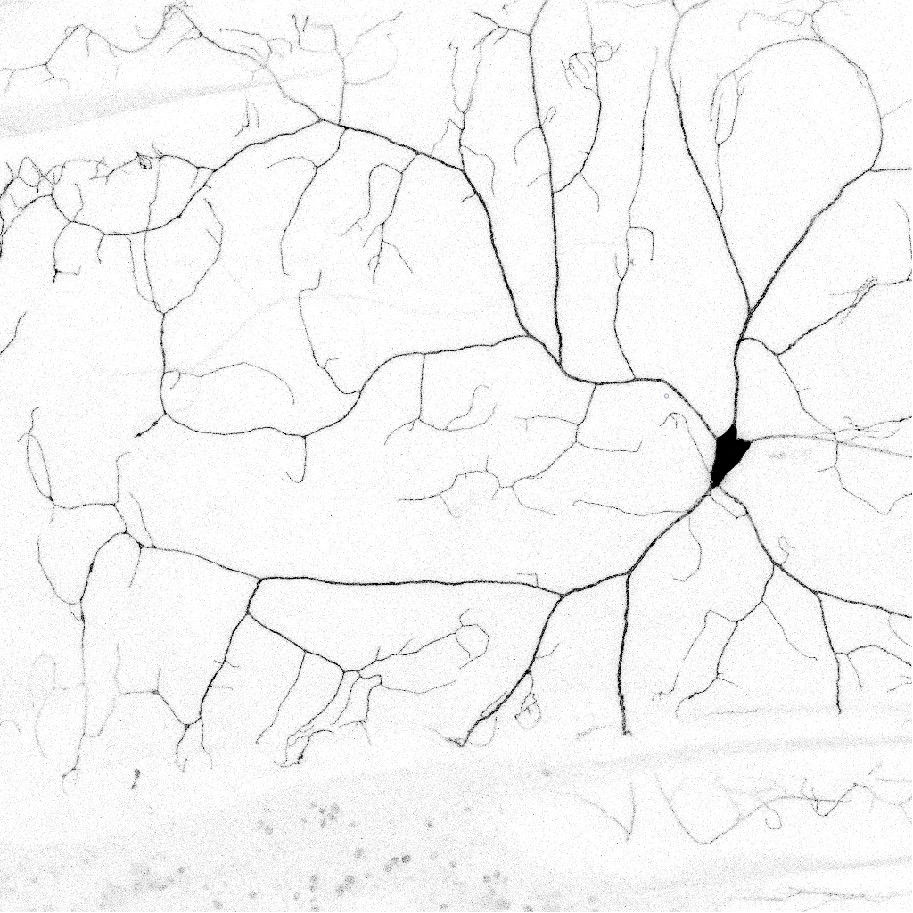
- Choose a sensory neuron image. See the examples further down the page.
- Adjust the tuning values if you need to, then press Trace image.
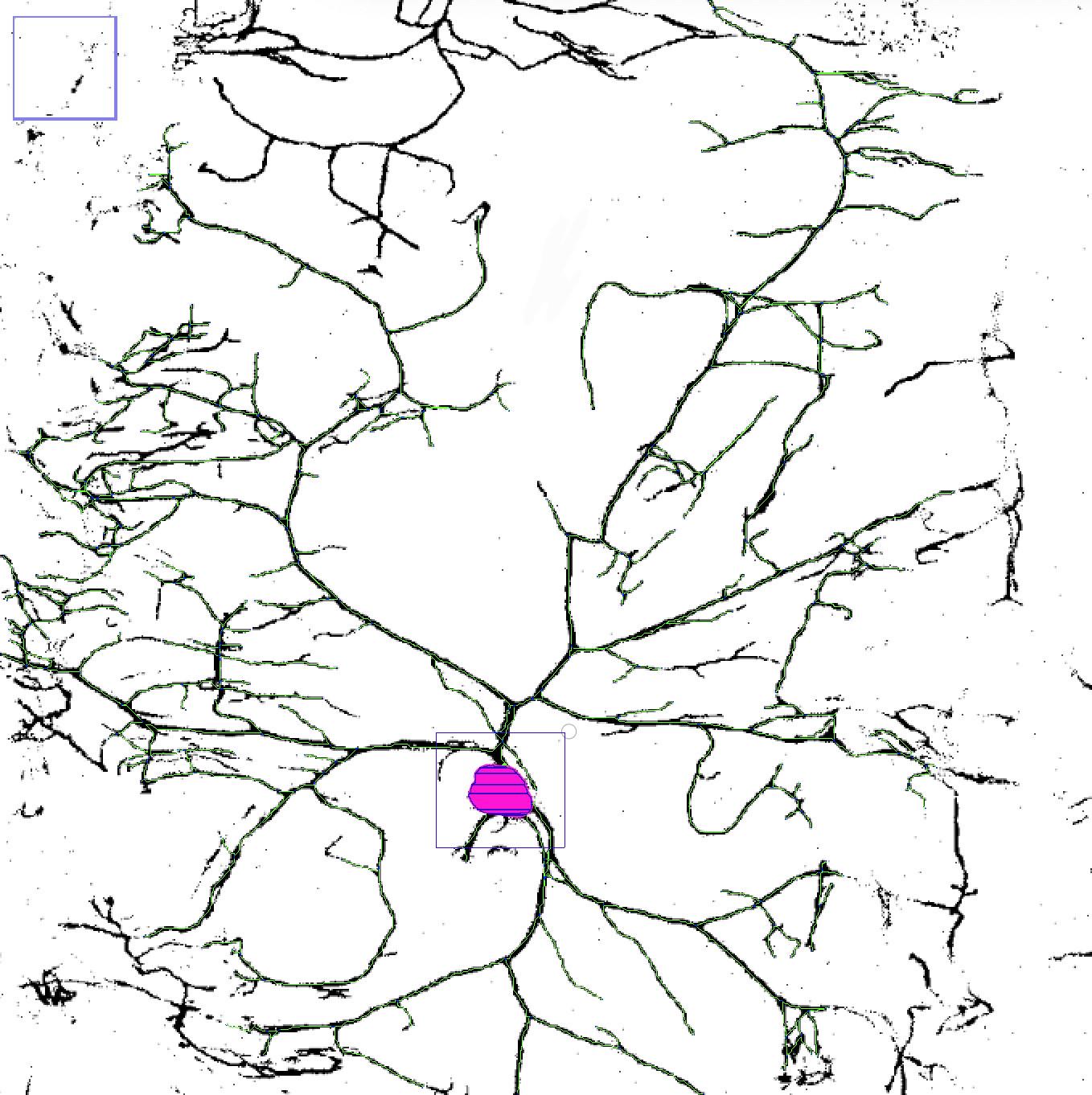
- Check the preview to see how the trace turned out.
- Download the archive to get the traced images and the NDF file.
Result
Upload an image to get started.
- Branches
- —
- Traced pixels
- —
- Total length
- —
- Average branch
- —
Examples
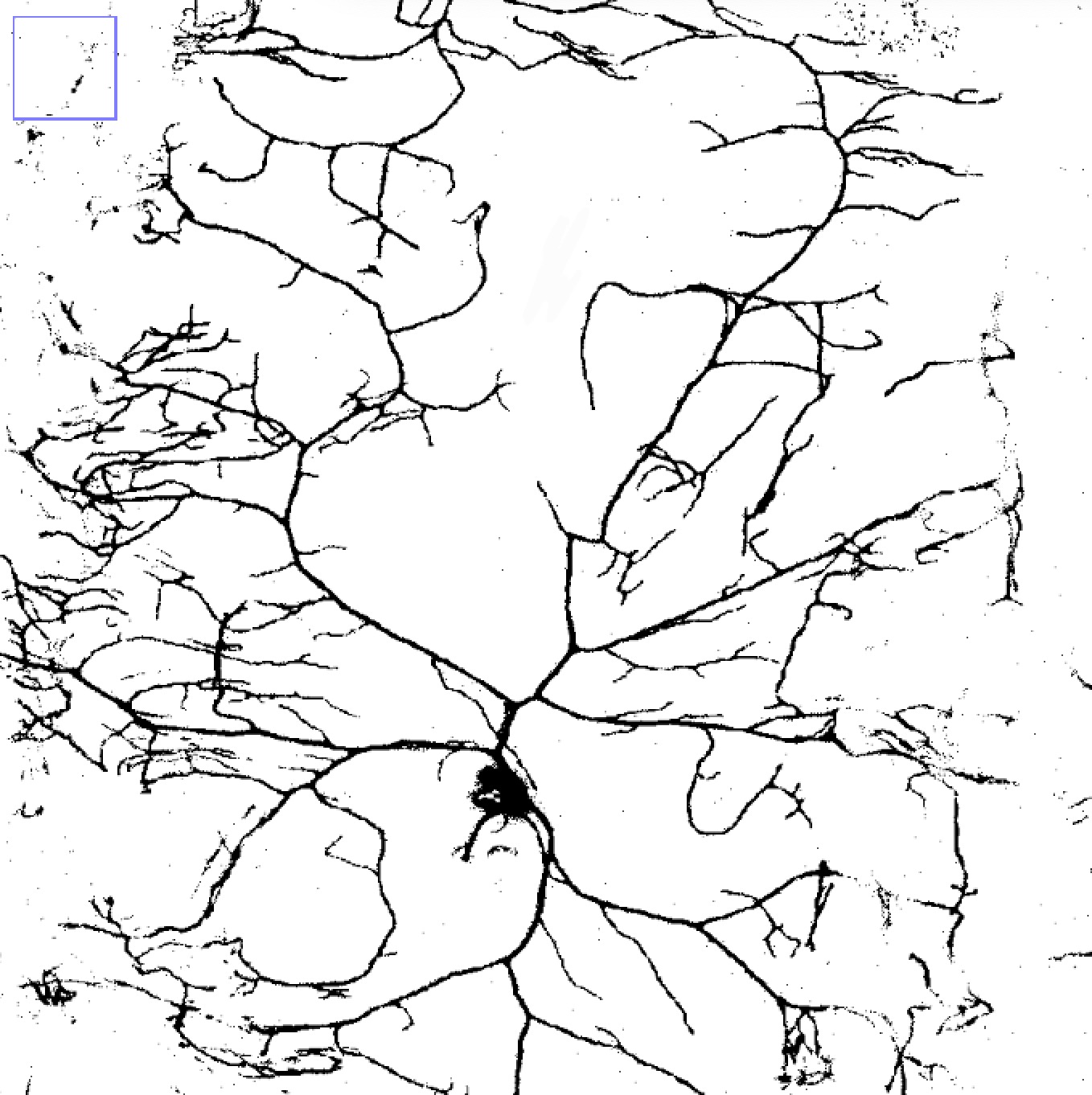
A high contrast image where the cell body is the same shade as the branches needs the cell body filled in with pink first.